How Do Beginners Build Their First Ai-powered Tool
How Do Beginners Build Their First Ai-powered Tool?

Beginners can build their first AI-powered tool by starting with one small problem, describing the desired outcome, and letting the AI create a simple structure such as a tracker, list, planner, or calculator.
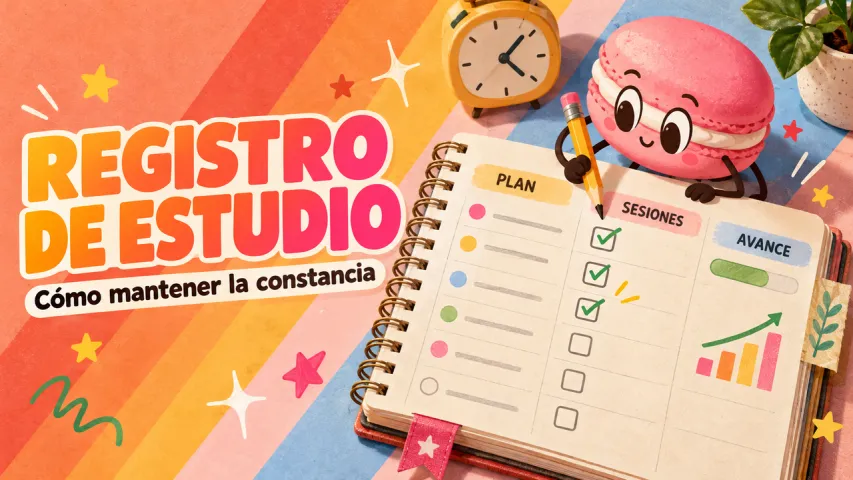
The easiest first tool is usually personal and repeatable. Good examples include a weekly habit tracker, simple budget log, packing checklist, study planner, meal idea list, or task prioritizer. Avoid starting with a complex app idea. A smaller tool is easier to test, improve, and actually use.
A good beginner prompt covers four things: the tool's purpose, the details it should collect, the output it should display, and the situation where you will open it. For example: "Create a weekly reading tracker that records book title, pages read, time spent, and one note about what I learned."
Beginners get better results by sharing a real situation than by writing a longer instruction. Mention the task you repeat, one thing that annoys you about it, and the shape of output you would keep.
The most useful answer should include a next action, not only an explanation. Ask the AI to turn the answer into a short list, draft, tracker, or plan you can revisit.